September 2026
Highlights
Saved Search Alerts
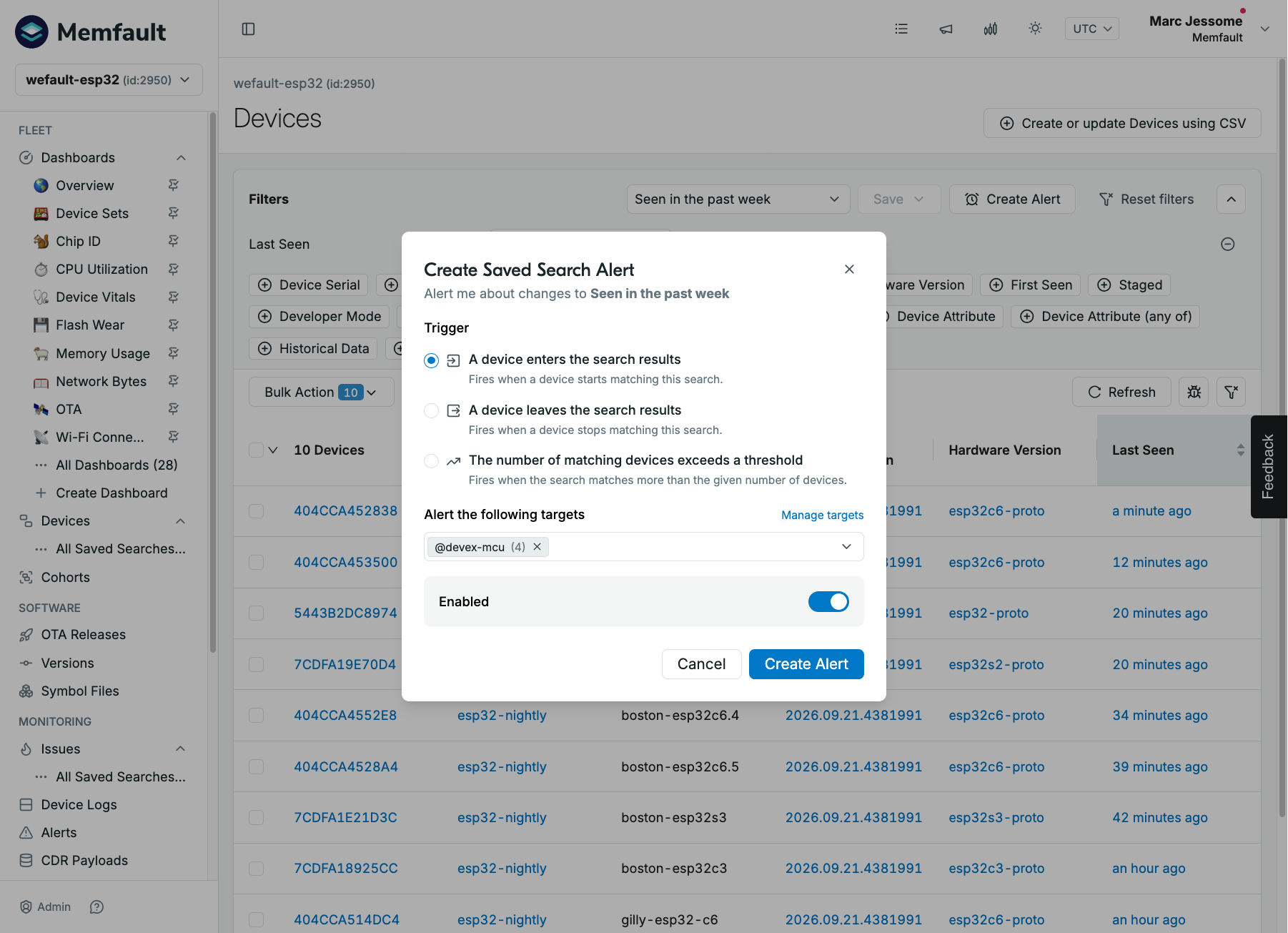
Saved device and issue searches can now trigger alerts. Choose whether to be notified when a device or issue enters the search results, leaves them, or when the number of matches exceeds a threshold you set. Notifications go to the same email, Slack, and webhook targets used by your other alerts, and enter/leave alerts link straight to the devices or issues that triggered them. Manage every saved search alert - including editing and disabling them - from the new Saved search alerts view on the Alerts page.
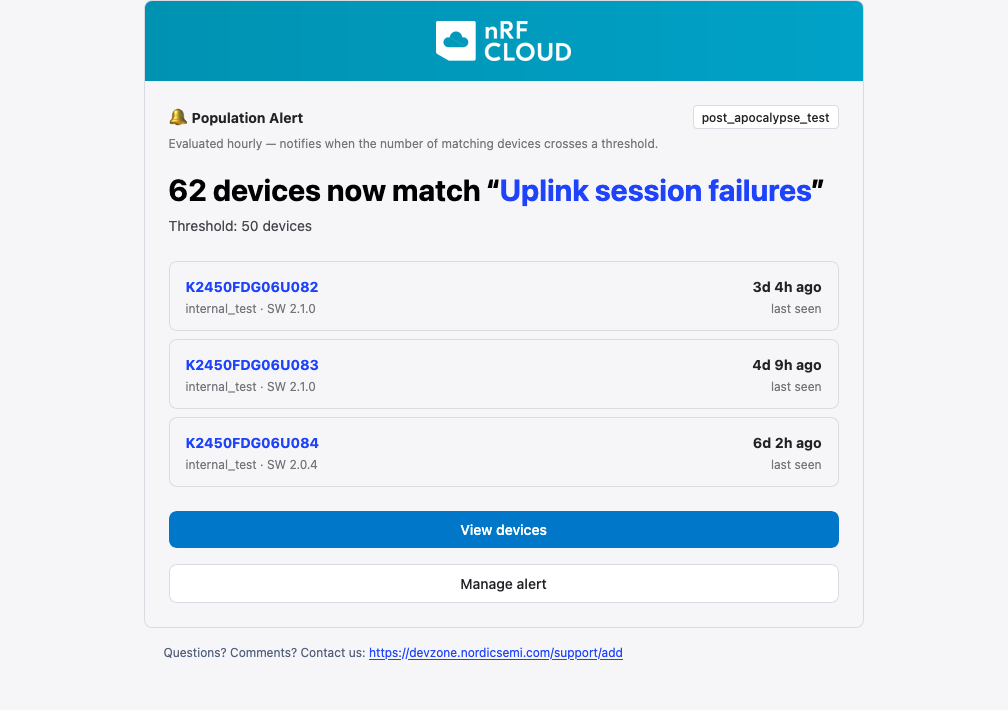
Threshold alerts arrive as a summary of the matching devices or issues, with links to view them and to manage the alert.
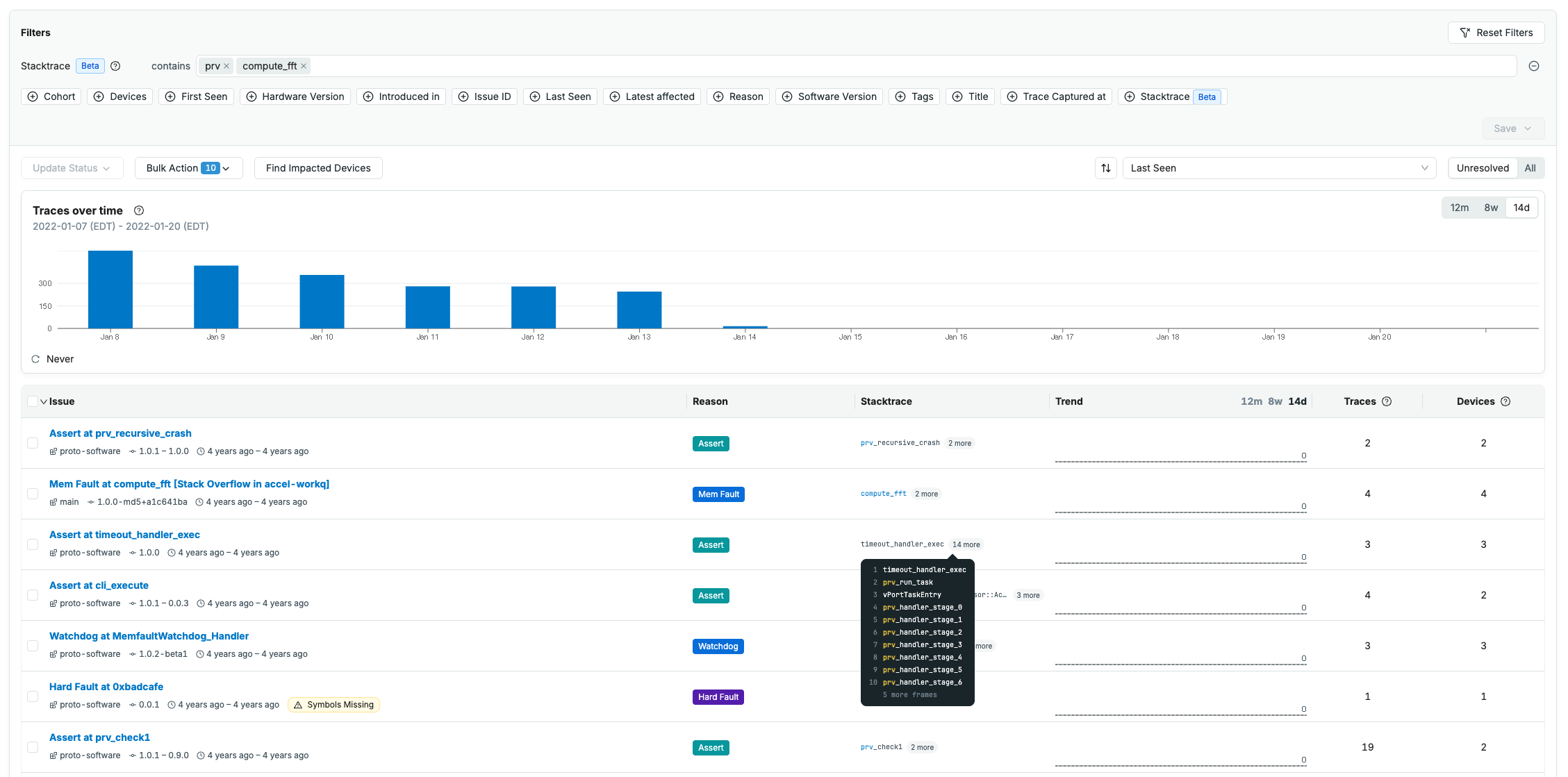
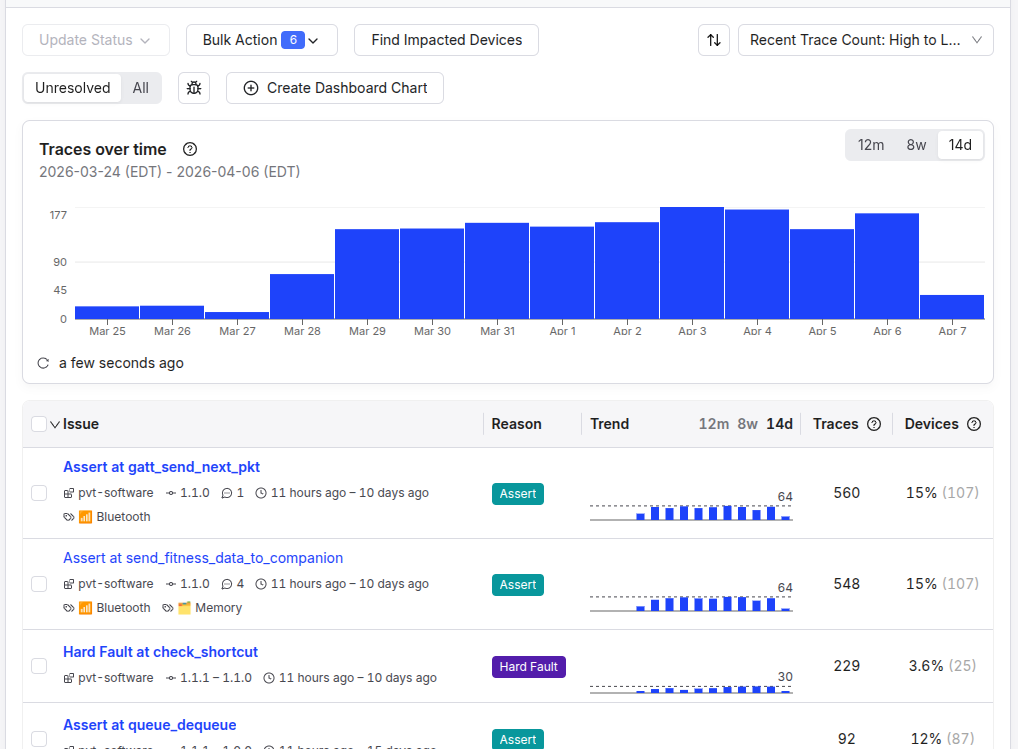
Saved issue searches also get a new dropdown selector on the Issues page, like the one on the Devices page, with save, rename, delete, and favorite actions moved into the menu.
OTA Workflow and Release Health
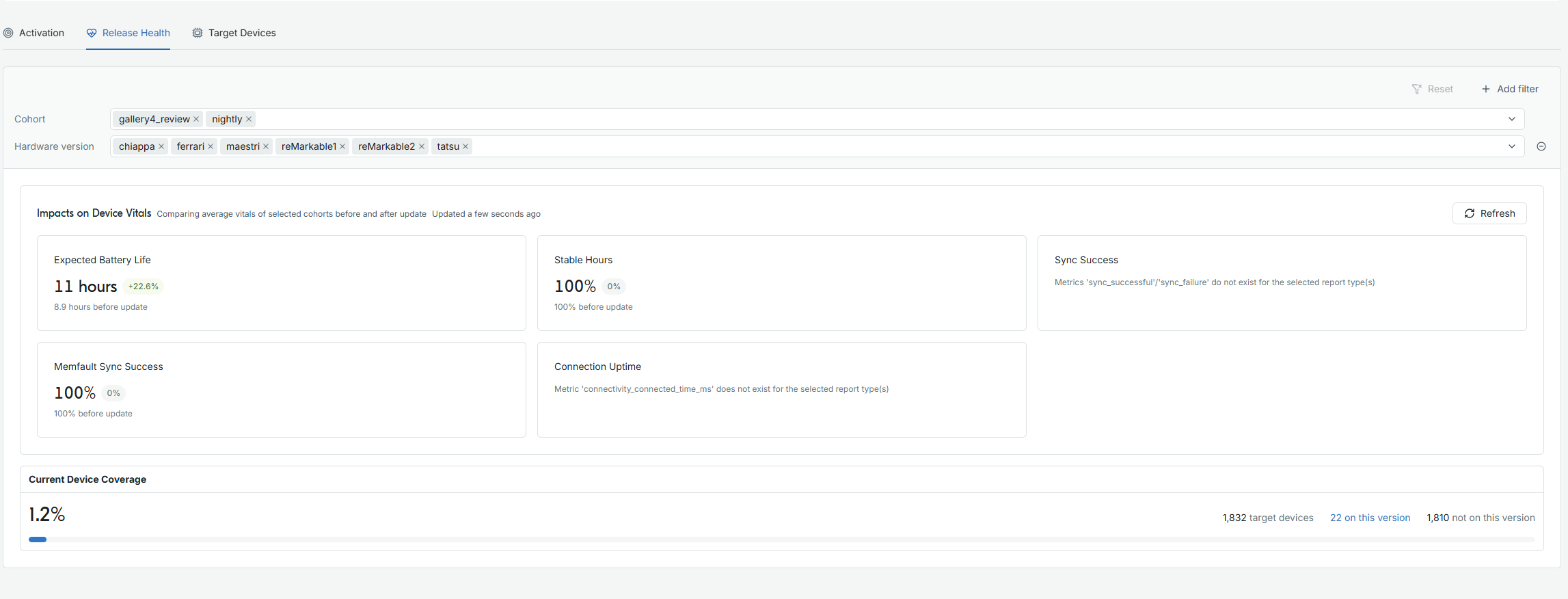
The OTA Releases pages have been updated to help you follow what a release does to your fleet after you activate it. The Releases table shows which cohorts each version is activated on, its device coverage, and when it was last activated and last installed. A new Release Health tab on each release compares device vitals such as expected battery life and sync success before and after the update, and shows how much of the target fleet is on the new version. You can pick which vitals tiles to show, and jump to a side-by-side software version comparison for the details. The Target Devices tab splits out devices that went offline before the rollout reached them, so they don't read as failed updates.
OTA Releases has a Columns button on the Releases table to show or hide optional columns, an "Add Note" banner on release details, and an Abort action next to Edit when activating by cohort. If a must pass through release has no artifact for a device's hardware version, the device is now shown as blocked rather than "On Target Version".